
Start with the fit, not the cut
A rotary table should match the machine and the job before it ever sees a cutter. Check the table size, centre height, bolt pattern and T-slot spacing against the milling machine table. If the base sits awkwardly or clamps need to be forced into position, the setup will fight you from the start.
On smaller vertical mills, it is worth confirming that the rotary table does not exceed the machine's safe load or overhang the table in a way that causes chatter. In some bays around Struandale and Markman, we still see operators trying to make one setup work for every part. That can look efficient, but it often leads to poor finish and uneven wear on the machine.
- Confirm the centre height before clamping the workpiece
- Check the table diameter against the available travel on X and Y
- Make sure the rotary unit clears vises, fixtures and guards
- Verify that the machine can carry the total weight of table plus job
Check runout before any production run
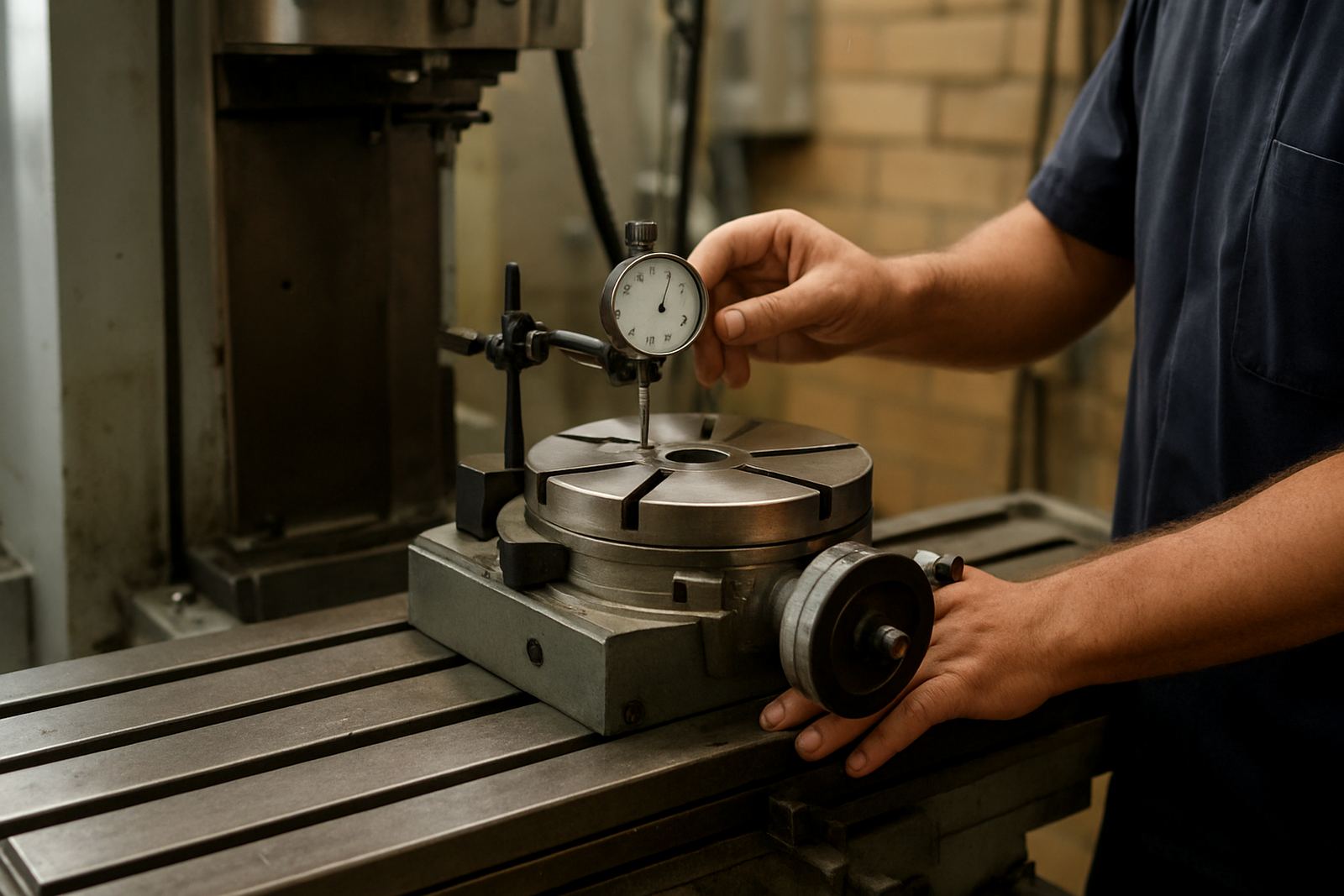
Runout is one of the first things to inspect because it tells you how the table will behave under load. Set up a dial indicator and measure at the centre, at the outer edge and on the locating face. A small error at the table becomes a much bigger problem once the cutter reaches the part.
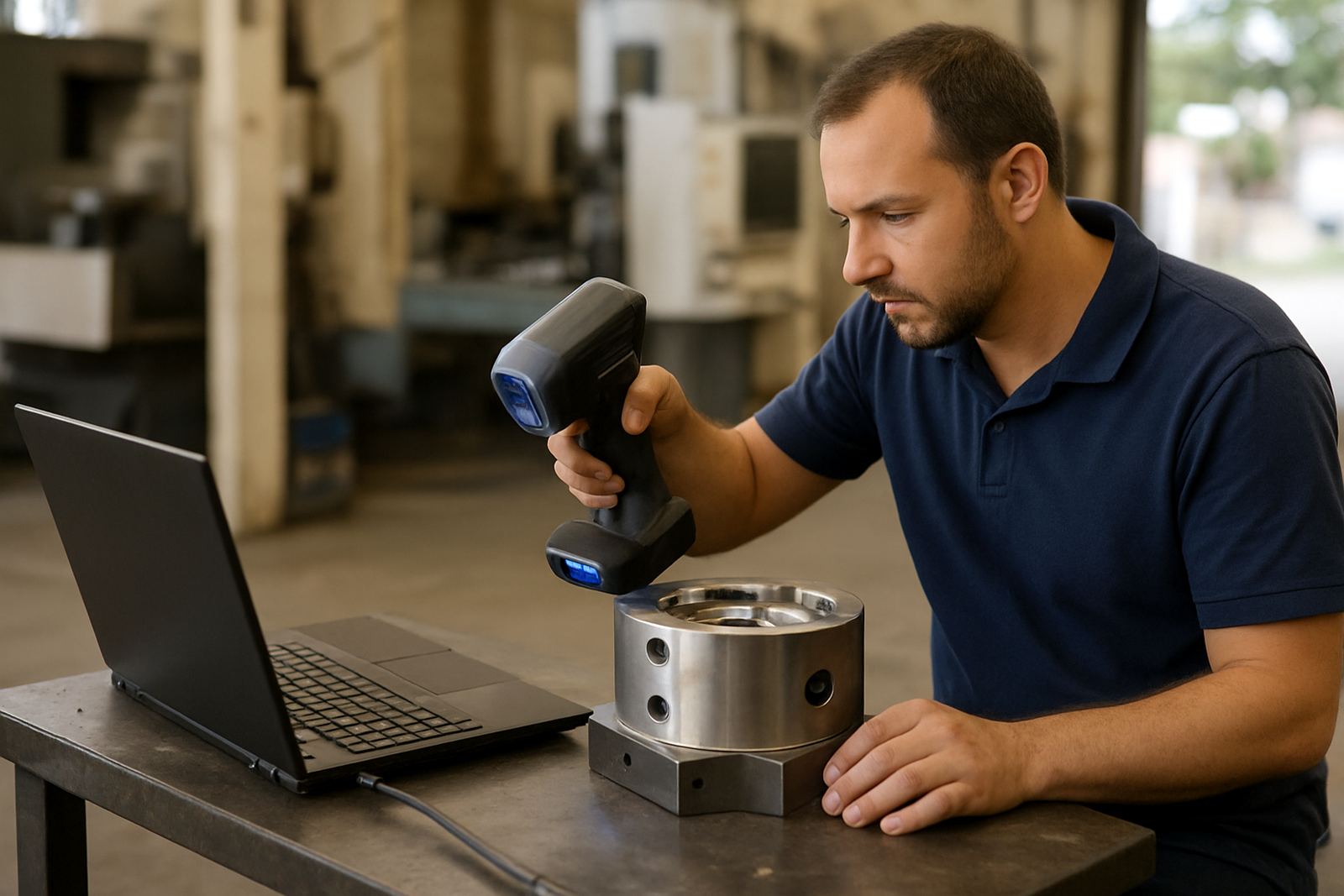
For machining work in Gqeberha, where many shops run mixed batches and quick changeovers, this check should become part of the daily routine. If the rotary table is moving from a light 3D scanning fixture to a heavy milling job, the condition of the bearings, spindle and indexing mechanism must be known. It is better to find 0,03 mm now than after a full shift of scrapped parts.
- Measure radial and axial runout with a dial indicator
- Check for roughness or binding through a full rotation
- Listen for uneven bearing noise while turning by hand
- Inspect the locking mechanism for repeatability
When there is any doubt, a clean, measured test setup beats guessing. That small amount of time can save a lot of steel, and a lot of swearing too.
Align the axis to the milling machine
Once the table is on the machine, alignment is the next step. The centreline of the rotary table must sit true to the mill spindle, and the face must be square to the table where required. If the axis is off, the part will not rotate in the same plane as the tool path, which shows up as taper, uneven slots and inconsistent hole spacing.
A practical way to check this is to sweep a test indicator around the top surface and along the centreline. If the table is being used for circular pocketing or bolt-hole patterns, even a slight offset can cause trouble. In a Kariega job shop, for example, one misaligned setup can throw off a batch of flange plates by the end of the afternoon shift.
Do not rely on eye, chalk marks or
Locking, indexing and backlash need proper attention
Many operators only check whether the handwheel turns. That is not enough. The locking points, worm drive, indexing pins and backlash must all be inspected before machining begins. Excessive backlash will not only affect accuracy, it makes it harder to return to a known position after a cut or tool change.
For repeated angles and hole positions, the rotary table should return to the same point without hesitation. If there is play in the drive, the operator may compensate manually, but that practice usually creates variation from part to part. On a machine running through load-shedding recovery, where the job may stop and start more than once, repeatability becomes even more important.
- Check backlash at several positions around the full rotation
- Test the lock so it holds firmly without forcing the mechanism
- Confirm indexing marks are readable and aligned
- Verify that any detent or stop system works consistently
It is also wise to note whether the table behaves differently when cold versus warm. A table that feels fine in the morning can tighten up after a few hours, especially in a workshop with fine dust and humidity from the coast.
Match the setup to coolant, chips and environment
A rotary table used in milling is exposed to chips, coolant mist and general workshop grime. Before production starts, inspect seals, covers and drainage. If coolant is entering the table body or chips are packing around the base, the unit will wear faster and the movement will become rough. That is especially relevant for coastal operations in Gqeberha, where humidity can encourage rust on exposed surfaces and fixtures.
Think about the real operating conditions. Is the table going to sit in a wet machining zone all day? Will the job produce fine abrasive swarf from aluminium or steel? Is there enough clearance to clean around the chuck, fixture and guards? A rotary table that is easy to clean is one that gets used properly, not ignored until it starts sticking.
- Inspect seals and drain paths before the first cut
- Clear old coolant and swarf from the T-slots and base
- Check for rust spots on exposed faces and fasteners
- Make sure guards and splash control are in place
A clean setup also helps with inspection later. If a part goes out of tolerance, it is much easier to trace the cause when the table, fixture and cutting area were kept in order from the start.
Use a local example: one flange job in Struandale
A machine shop in Struandale taking on a batch of small flanges for a regional customer can use a rotary table to drill bolt circles fast and accurately. But only if the checks are done first. The team would confirm table height, indicator runout, axis alignment and lock repeatability before loading the first blank. If the mill loses power for a moment, the operator must know the zero point can be recovered without guessing.
In that kind of job, the rotary table is not the star of the show, it is a support tool that has to perform under pressure. The work may need collection and delivery between departments, and the job card may pass from inspection to machining and back again. When the rotary table is checked properly, the batch moves through with fewer interruptions and less rework.
For shops serving Port Elizabeth CBD, Coega, Despatch and nearby industrial areas, that reliability keeps schedules manageable. A good setup does not need drama, it just needs to hold size and repeat the same result each time.
What to check before the cutter starts moving
Before any milling programme begins, one last walk-around helps catch small issues that are easy to miss. This is where a practical checklist earns its keep. If one item is out, stop and sort it out rather than trying to push on and hope for the best.
- Table securely clamped to the milling machine
- Runout recorded and within the shop's tolerance
- Axis aligned to the spindle and workholding device
- Backlash and locking verified
- Coolant paths clear and no chip buildup around moving parts
- Workpiece fixed firmly with enough clearance for the cutter
- Emergency stop and manual rotation tested before the first pass
These checks do not take long, but they pay back in better finish, fewer tool breaks and less wasted material. In a workshop where every minute counts, that is not a small advantage.