
Start with the part, not the scanner
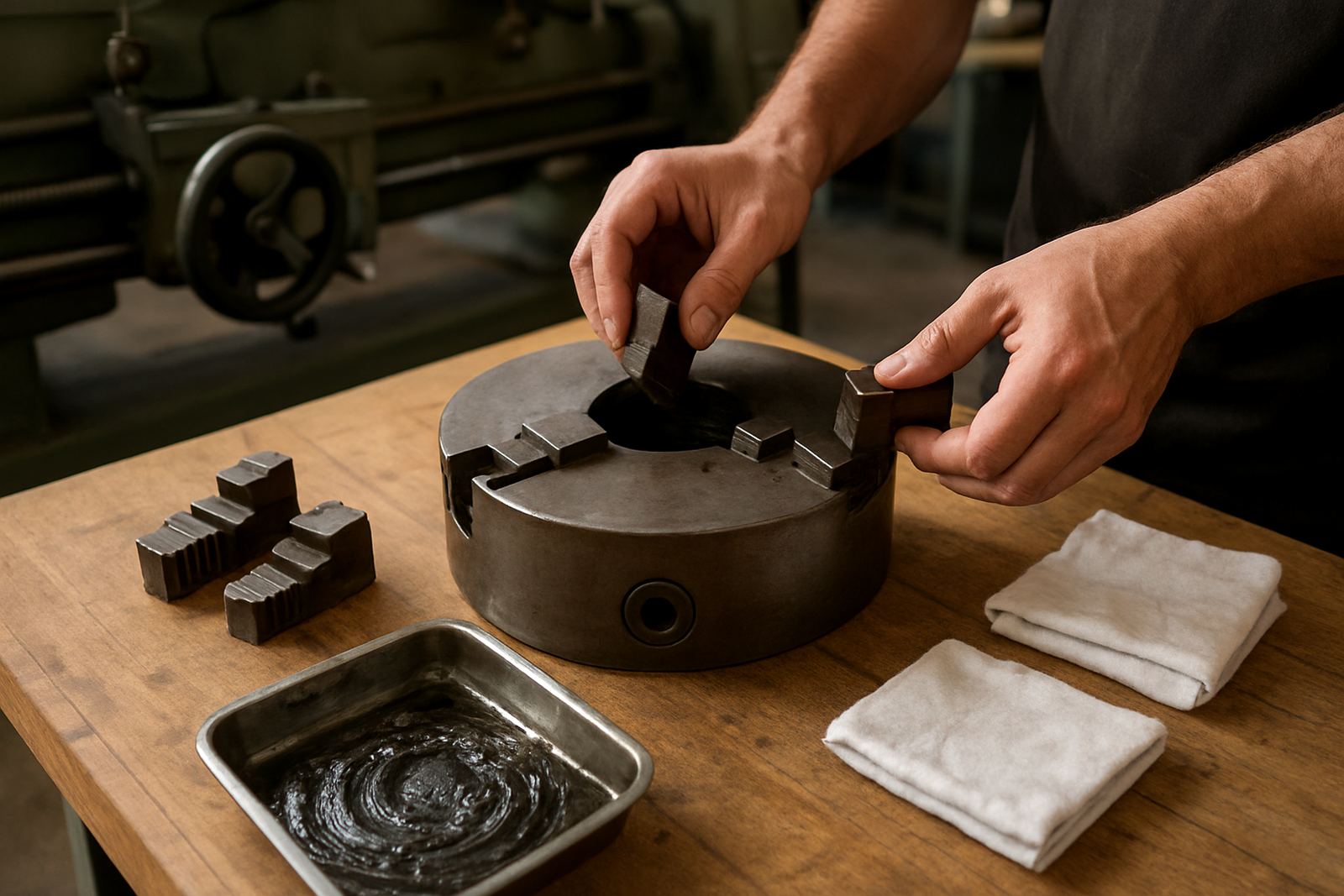
The best handheld scan results begin on the bench. Before anyone switches on the scanner, the part should be cleaned, dried and checked for oil, coolant residue, burrs and loose scale. On machined steel, shiny patches and deep black finishes can confuse capture, while on castings the rough texture can help but dust and grinding grit must still be removed.
For job shops in Struandale or Markman, this prep step saves time later. If the component has deep bores, undercuts or sharp edges, note those areas early so the operator knows where to slow down and where a separate setup may be needed. A quick visual plan avoids gaps in the scan and prevents the usual back-and-forth after the file is already in the office.
- Degrease the surface and let it dry fully.
- Remove burrs, swarf and loose paint.
- Mark reference areas if the part is large or repetitive.
- Check whether the surface finish will need scan spray or target markers.
Set the job up for a clean capture
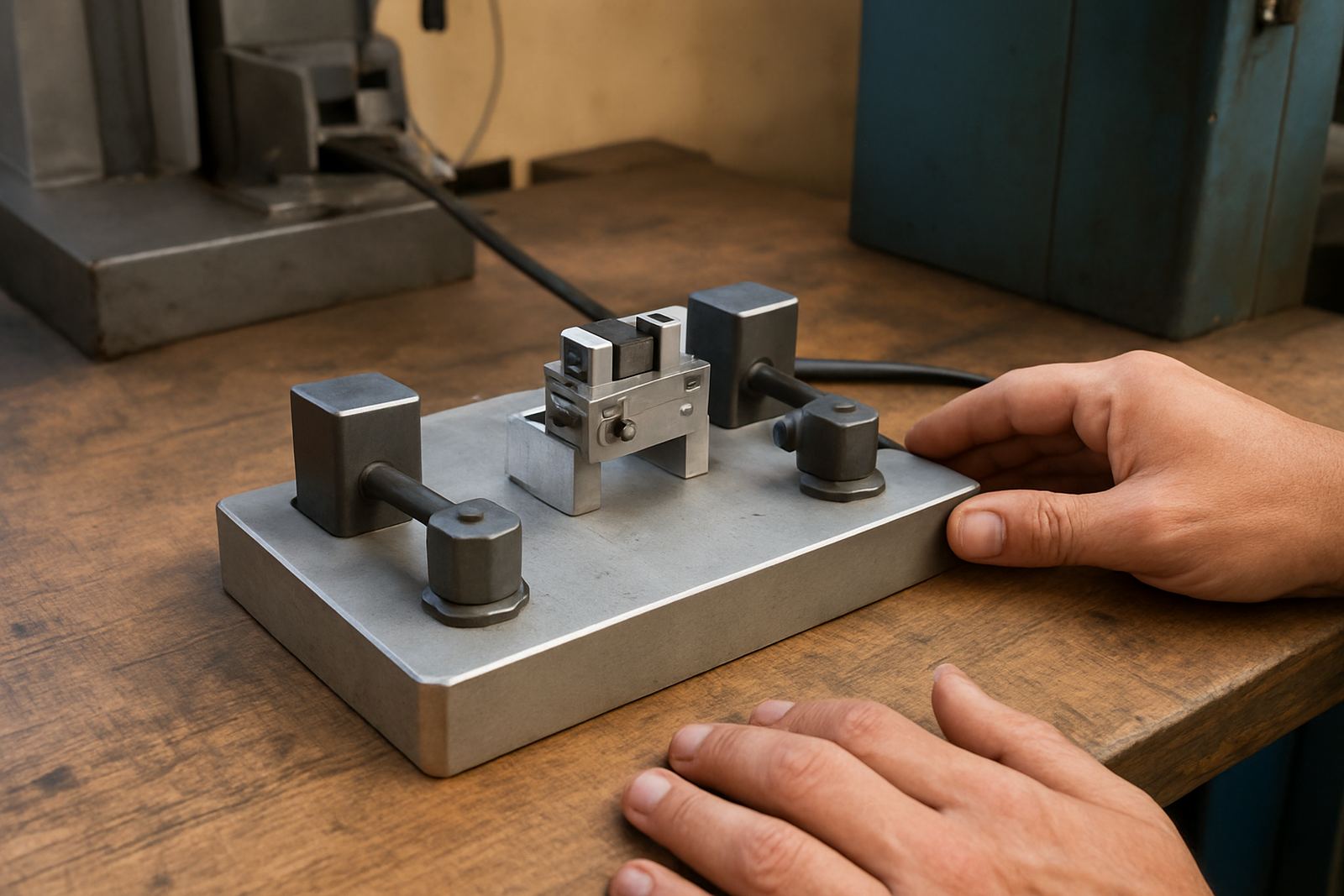
Good capture starts with the correct fixture. A handheld scan should not fight a part that rocks, flexes or sits too close to clutter on the table. If the component is small, secure it in a vice or on a plate. If it is larger, make sure the operator can walk around it safely without tripping over leads, stands or air hoses.
Lighting also matters. Harsh reflections from a workshop door or a window facing the bay can throw off the scan. In coastal areas around Gqeberha, humidity and salt air can leave fine residue on exposed metal, so the surface may need one last wipe before scanning. The goal is simple: stable part, steady movement, and enough access for all the areas that must be measured.
- Lock down the part so it cannot shift mid-scan.
- Keep the surrounding area clear for movement.
- Check power backup if load-shedding may interrupt the session.
- Use repeatable fixtures for parts that come in regularly.
Capture in passes, not panic
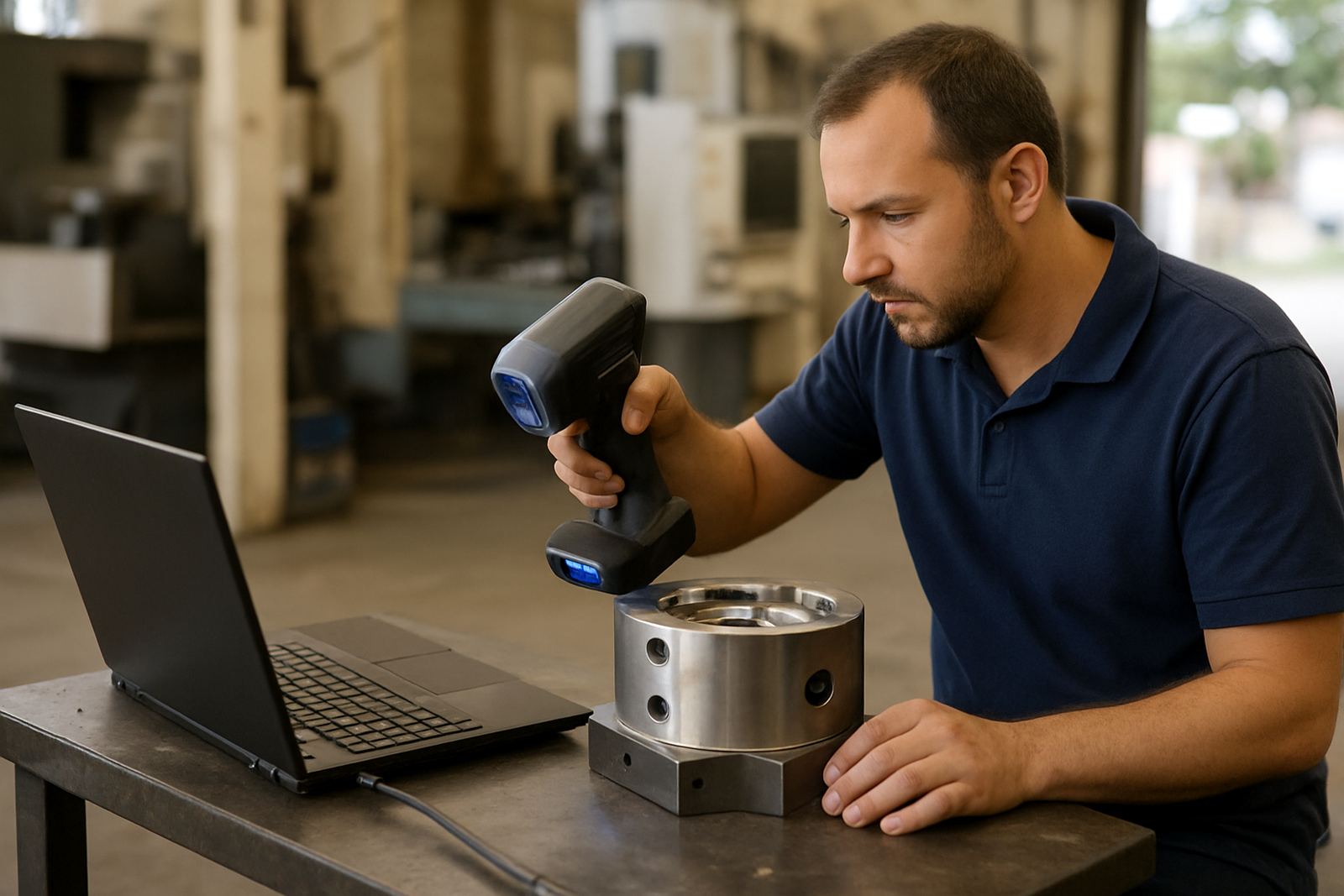
A handheld scan is best done in controlled passes. The operator moves at a consistent speed, keeping the scanner at the right distance and angle while building overlap across each path. Rushing usually causes holes in the file, and overworking one section can create drift. On larger parts, it is better to divide the job into sections with clear overlap points than to try and finish everything in one long sweep.
For a supplier in Coega scanning a worn bracket or a client in Despatch scanning a fixture plate, the practical rule is to keep the motion smooth and predictable. If the scanner loses track, stop and return to the last known good area rather than trying to rescue the whole file in one move. That small pause often saves the geometry from creeping errors. It is a simple point but it matters a lot.
- Keep overlap between passes so the software can stitch cleanly.
- Avoid sudden tilts or fast turns around corners.
- Revisit deep pockets and edges from more than one direction.
- Pause and correct tracking loss straight away.
Check the file before calling it done
Once the live scan is complete, the next step is to check the point cloud or mesh for missing zones, noise and warped sections. This is where many jobs are lost. A file that looks complete at first glance can still contain weak edges, thin artefacts or lumps of unwanted data from the bench, clamps or operator movement.
The operator should inspect the file against the physical part and confirm whether the scan has enough detail for the intended use. A reverse engineering job needs more surface detail than a quick fitment check. If the component is going to guide machining, the output must be accurate around datum faces, hole centres and sealing surfaces. If it is only for general geometry, a lighter file may be acceptable.
- Look for holes in the mesh and noisy edges.
- Trim out table, clamp and background data.
- Confirm critical faces and hole locations.
- Decide whether rescan time is needed now, not later.
Turn geometry into something useful on the shop floor
The real value of scanning is in what comes next. Usable geometry can support pattern making, wear comparison, fit checks, redesign work, spare part matching and inspection reporting. For a machine shop in Kariega, that might mean capturing an old worn component and using the output to compare against a new part before machining starts. For a plant in the Port Elizabeth CBD, it may be a fast way to confirm whether a replacement will clear surrounding hardware.
File format matters, but so does the intended job. A clean mesh may be enough for visual reference, while a more detailed model may be needed for CAD work or CNC preparation. The key is to match the output to the task, not force every scan into the same format. That approach keeps the workflow practical and it avoids wasting hours on unnecessary detail.
A local example from a busy repair bay
Consider a workshop in Struandale handling a damaged machine cover with worn mounting points. The part arrives after production has already lost time, so the scan job has to be quick and accurate. The team cleans the part, secures it on a plate, scans the outer profile in two passes, then checks the hole positions and edge thickness before moving to geometry output. Because the scan is clean, the production team can plan the repair without guessing at dimensions.
That sort of workflow is especially useful when the load-shedding schedule is uncertain or when the customer wants the part collected and returned fast. If the first scan is done properly, the file can support the next step without a second visit. In practice that means less downtime, fewer call-backs, and better confidence in the final fit. It sounds simple because it is, but the detail in the setup decides the result.