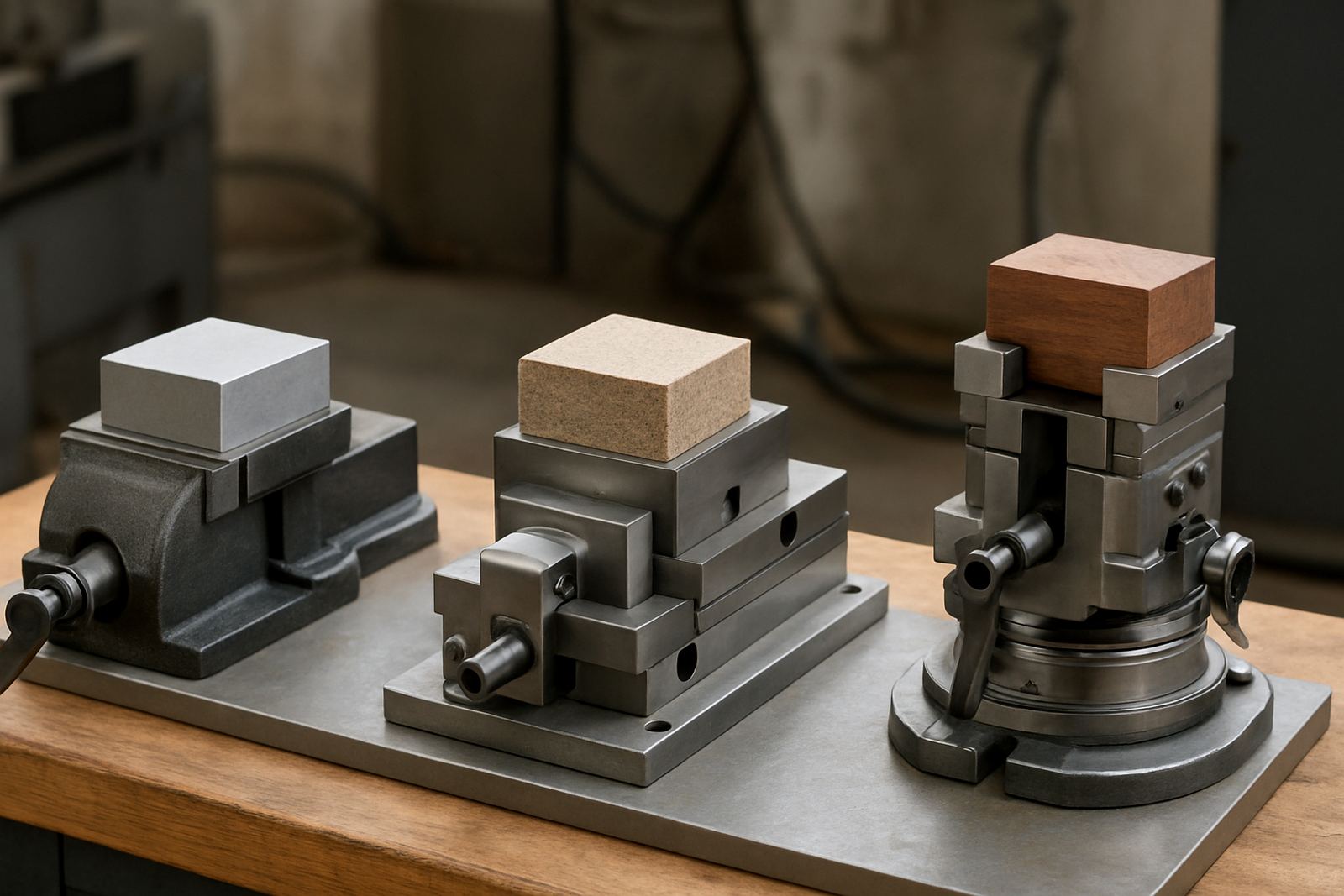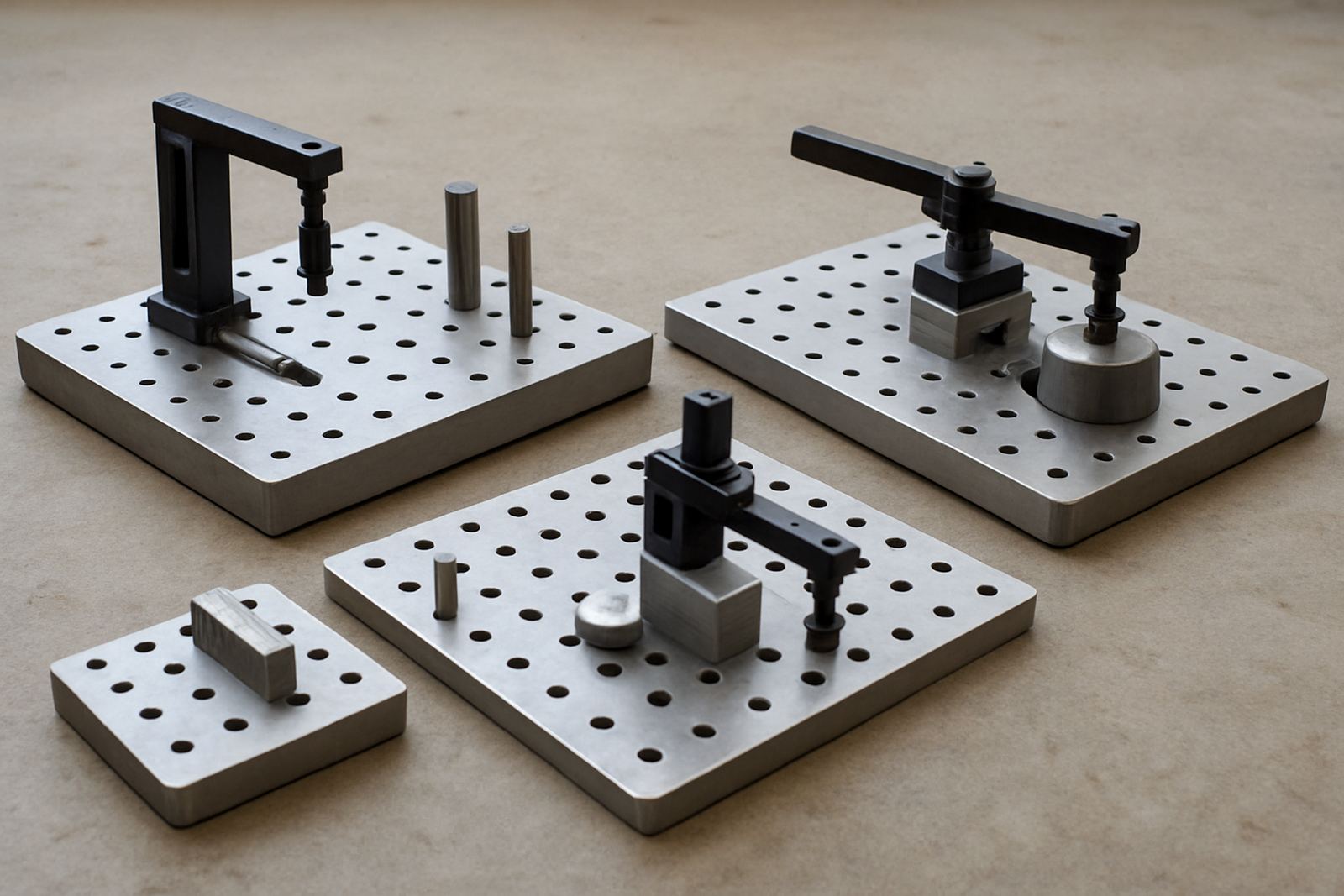

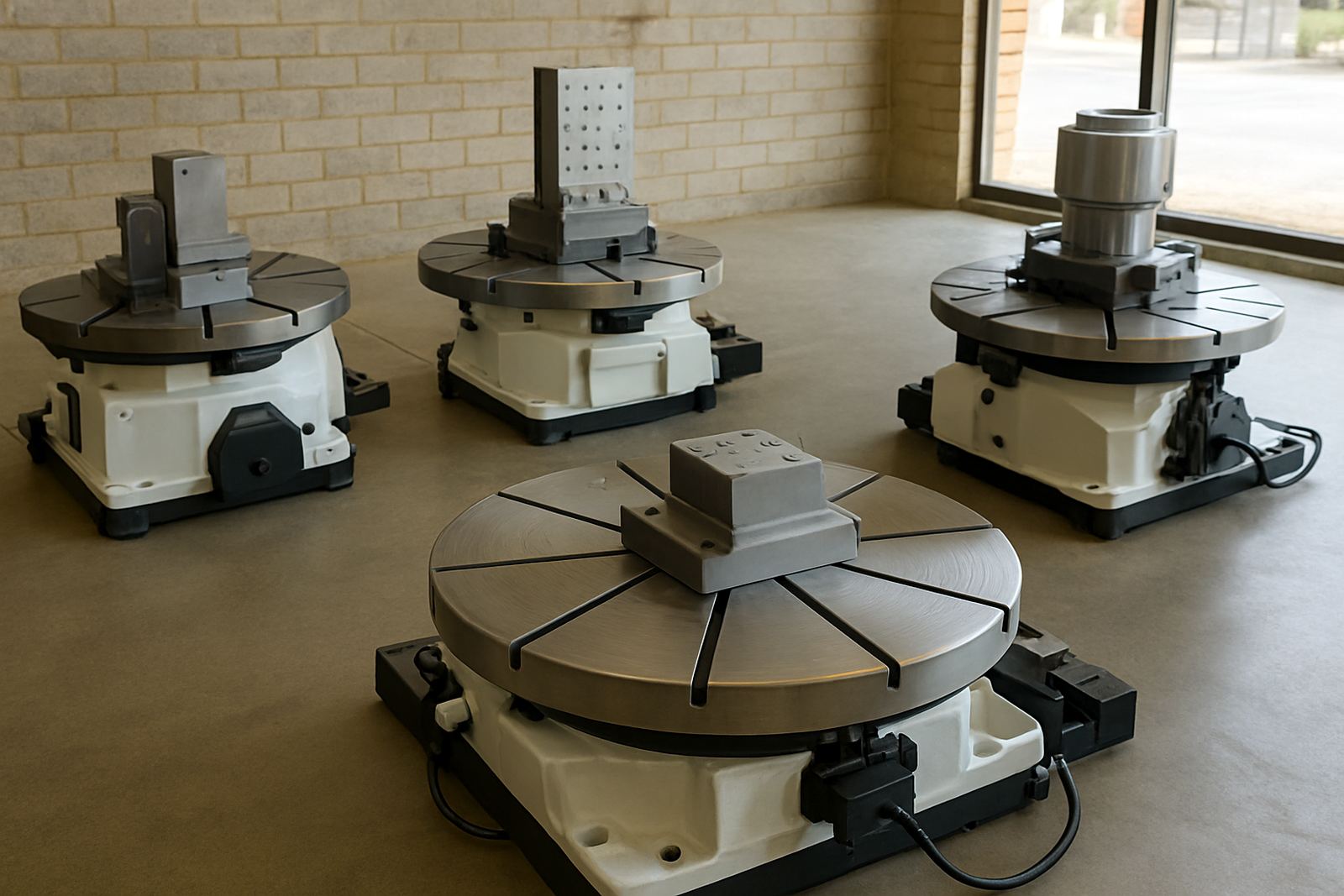
Start with the part, not the catalogue
Before you compare rotary tables, look closely at the parts you machine every day. A table that is perfect for light bracket work may be too small for valve bodies, flanges or multi-face components. Measure the largest diameter you need to hold, the heaviest workpiece, and the number of features that must be indexed in one setup. That gives you a far better answer than choosing on table size alone.
For many machine shops in Gqeberha, Kariega and Despatch, the real challenge is balancing throughput with repeatability. If you are cutting batches of 20, 50 or 200 pieces, the table has to index accurately enough to keep the same datum from part to part. If the component is awkward or off-centre, check whether you need a chuck mounted setup, T-slot clamping, or a fixture plate with proper support.
- Measure the largest part diameter and overall height.
- Note the heaviest workpiece plus fixture weight.
- Confirm whether you need full rotation or fixed indexing stops.
- Check if the part must be machined on one face or several faces.
Match capacity to the machine and spindle load
Every rotary table has a capacity limit, and that limit should include the workpiece, fixture, jaws, clamps and any offsets from centre. Once a part sits too far out, you increase strain on the table bearings and on the machine itself. That matters when you are running longer jobs, or when a power failure interrupts a cycle and the setup has to be restarted after load-shedding. A well-matched table keeps the job stable and easier to recover.
Check the table diameter, centre bore, T-slot layout and allowable vertical load. Also look at the machine bed size and whether the table can physically fit between the columns, under the spindle and inside the travel envelope. On smaller VMCs and mills, a rotary table that is too tall can steal Z-height and make tool changes awkward. On larger machines, the issue is often table mass and how it affects acceleration and positioning.
- Confirm maximum load at horizontal and vertical positions.
- Check overall height against available Z travel.
- Verify the machine table size and T-slot spacing.
- Allow space for clamps, a tailstock if needed, and cutter clearance.
Choose the indexing method that suits the work
Not every application needs the same level of motion control. Some jobs only need simple manual indexing for drilling bolt circles, while others need continuous rotation for helical work or coordinated 4th-axis machining. If you are making one-off tooling or maintenance parts, a manual table may be enough. If your shop runs repeat batches or multi-op components, a motorised or CNC-ready option saves setup time and improves consistency.
Think about the actual motion pattern. Do you need 90 degree, 60 degree or 5 degree steps? Do you need exact angular positioning for slots and holes? Or do you need smooth programmed movement for engraving, gear work or complex profiles? A shop in Coega making repeat production parts will usually benefit from tighter indexing and better repeatability than a general repair shop doing occasional maintenance work.
- Manual indexing works well for simple hole patterns and light-duty work.
- Motorised units suit regular production and repeat positioning.
- CNC-ready tables are better for coordinated milling and continuous rotation.
- Confirm whether backlash is acceptable for your tolerance band.
Check machine compatibility before you place the order
A rotary table must work with the machine you already have, not fight it. Confirm the control system, axis interface and power requirements if you are buying a motorised unit. For manual setups, check mounting holes, clamping slots and whether the table can be aligned properly on the machine bed. If the machine runs in a coastal workshop in Gqeberha, also consider corrosion resistance and how quickly swarf and coolant build up around moving parts.
Compatibility is not only about fitment. It is also about practical use on the shop floor. Can the operator reach the clamp points without strain? Can the setup be cleaned quickly between jobs? Will the table hold its position when coolant is running or when heavier cuts create side load? These are the details that affect day-to-day work, and they matter more than a brochure photo.
- Check mounting pattern and centre height.
- Confirm control compatibility for powered units.
- Ask how the table behaves under side cutting load.
- Look at access for clamping, cleaning and maintenance.
Use a simple selection checklist on the floor
When you are comparing options, keep the process simple. Start with the part size, then the load, then the type of indexing, and finally the machine fit. That order stops you from buying a table that looks suitable but cannot actually do the job. It also helps when you need to explain the choice to production staff or a workshop foreman who has to run the setup every day.
A practical checklist also saves time during quoting. If the table is going to be used for toolroom work, production runs or fixture development, say so up front. If it needs to travel between branches in Struandale, Markman and Port Elizabeth CBD, portability may matter. If the application involves regular changeovers, choose a table that is easy to clamp, zero and repeat without fuss. Keep the paperwork with the setup sheet so the next operator can repeat the job properly.
- Part diameter, height and total weight.
- Required indexing accuracy and repeatability.
- Machine table size, spindle clearance and travel limits.
- Mounting method and clamping layout.
- Whether the job is manual, semi-automatic or CNC-controlled.
Plan for service, cleaning and long-term accuracy
A rotary table should stay accurate after months of use, not only on the day it arrives. Regular holder cleaning, runout checks and inspection help the setup keep its position. If the table is used in a dusty workshop or near coolant-heavy production, dirt and chips can work into the mechanism and spoil repeatability. For that reason, it is worth choosing a unit that can be maintained easily and checked without stripping the whole machine.
Ask how often the table should be inspected, what lubrication it needs and whether spare parts or support are available locally. If you use presetting, chuck jaw machining or vise alignment on the same floor, the rotary table should sit comfortably within the shop's accuracy routine. That way the whole process stays consistent, from fixture prep to the final cut.
Tooling in Struandale supports machine shops nationwide with practical help on machining setups, scanner calibration, printer maintenance and collection and delivery where needed. If you need guidance on choosing the right rotary table for your application, speak to a team that understands the realities of South African production and workshop conditions.