
Start with the part, not the machine
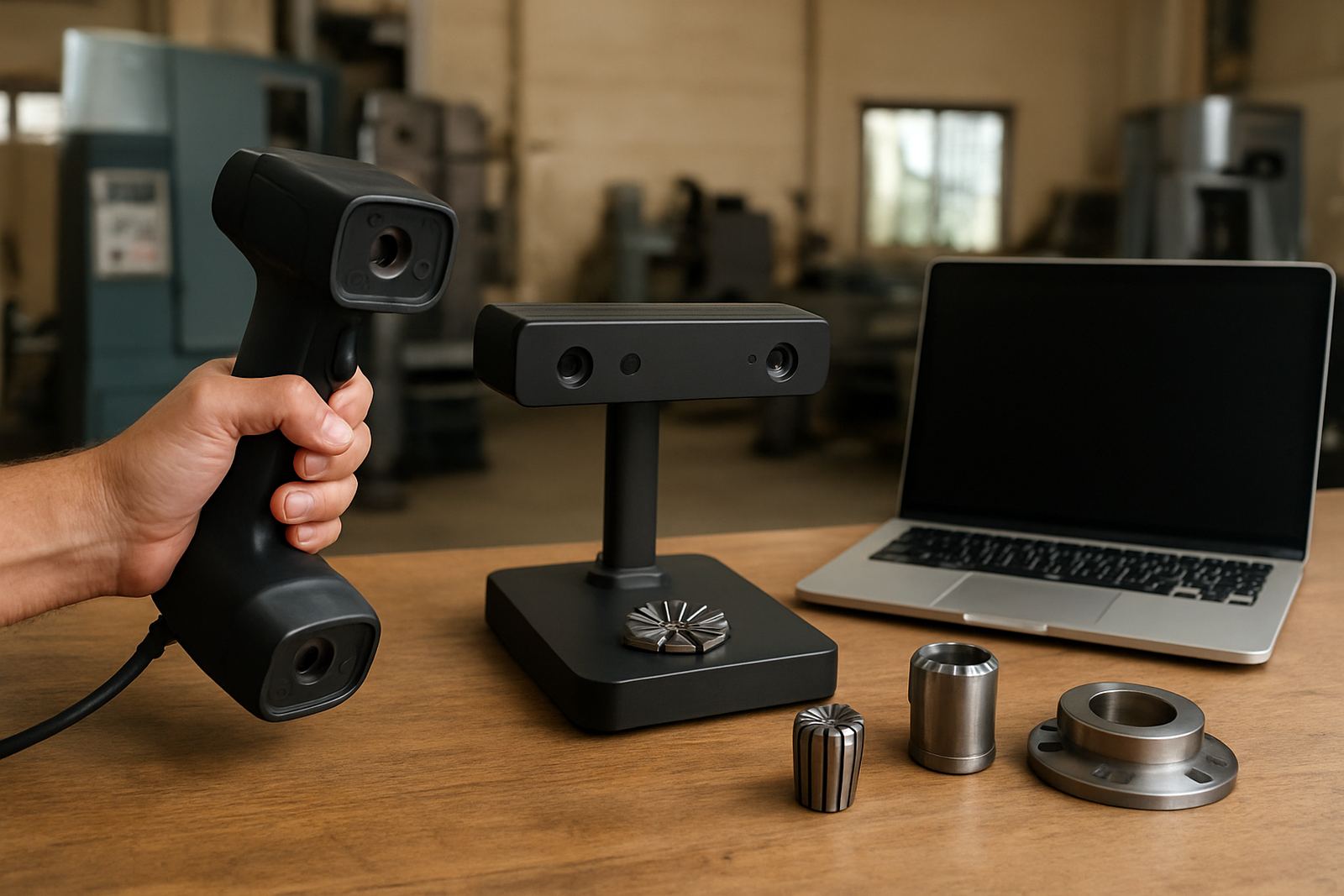
Before you compare scanner types, look at the parts you actually handle. A gearbox cover, pump housing or fabricated bracket needs a different approach to a small precision insert, mould cavity or turned component. If the part fits neatly on a table and needs high fine detail, a desktop scanner may be the better fit. If the part is large, awkward, or needs to be scanned on the floor or in a jig, a handheld scanner is usually more practical.
In Struandale, Markman and Coega, many shops work with parts that are too large for easy clamping or too valuable to strip down for measurement. That is where portability matters. A handheld unit can move around a component, reach deeper pockets and scan assemblies that would take too long to set up on a table. For repeat work and smaller components, a desktop scanner can give very consistent capture if the part is stable and the operator has clean access all round. There are cases where a simple decision saves hours, not minutes.
Handheld scanning for large parts and shop-floor flexibility
Handheld scanners suit machine shops that need flexibility. They work well for larger castings, worn parts, legacy components, fixtures and items that cannot be rotated easily. If you are scanning on the production floor in Gqeberha, or collecting parts from Kariega or Despatch for inspection, a handheld unit keeps the process moving. It is also useful when the part has deep recesses, welded features or only one side can be accessed at a time.
Speed is the main advantage. You can scan in stages, check the coverage as you go, and avoid building elaborate setups. That matters when power interruptions or shift changes interrupt the day. Handheld scanning is often preferred for reverse engineering where the goal is to capture usable geometry quickly, not to achieve laboratory-style conditions. Surface preparation still matters though, especially on shiny steel, black plastics or worn surfaces with poor contrast.
- Best for large, heavy or fixed parts
- Useful for assemblies and awkward shapes
- Faster setup for urgent shop-floor jobs
- Good when parts need to stay in position for minimal downtime
Desktop scanning when detail and repeatability matter most
Desktop scanners are built for smaller parts that can be placed on a stable base and scanned from a controlled position. If you are checking fine features, small holes, edges, engravings or teeth, the fixed setup can improve repeatability. That makes desktop scanning a solid choice for quality control, product development and parts that need consistent results from batch to batch.
For shops in Port Elizabeth CBD or in a smaller workshop where the same items are scanned often, the repeatability can be a real benefit. You can set the part, scan, and compare like for like. Desktop scanning is less suited to oversized items, and setup can be slower when you need to keep changing fixtures. If the part is oily, dusty or has a reflective finish, cleaning is still part of the job. A scanner will only capture what it can see, and a dirty part gives bad data fast.
- Best for small to medium parts
- Strong option for high detail and repeatability
- Handy for inspection and part comparison
- Needs controlled setup and clean surfaces
Match scanner choice to the job you need done
The right scanner is not always the most expensive one. It is the one that suits the task. If you need to inspect wear, compare a worn part to a master, or check whether a component has drifted out of spec, think about resolution first. If you need to capture a large item for remake or redesign, think about scan area and access. For many South African machine shops, the deciding factor is time. A scanner that is slightly less detailed but much quicker can be the better business choice.
Use this simple guide before you buy or request a scan:
- Choose handheld if the part is large, irregular or hard to move
- Choose handheld if you need fast capture across multiple jobs in one day
- Choose desktop if the part is small and detail is critical
- Choose desktop if you need repeatable scans for regular inspection work
- Choose handheld if the part must be scanned on site or in a jig
- Choose desktop if the part can be cleaned, mounted and left undisturbed
If you are not sure, start by checking the smallest feature you must capture and the largest part you must handle. That usually points you in the right direction. A common mistake is buying for one type of part only, then finding the scanner is awkward for everything else. Better to map your normal work first, not the one-off job.
A practical scan setup checklist for better results
Good scan results begin before the scanner switches on. Surface condition, lighting, part stability and operator access all affect the outcome. On coastal jobs around Gqeberha and nearby areas, humidity can also affect how quickly parts dry after cleaning, so allow enough time before scanning. For aluminium, polished steel and some plastics, anti-glare preparation may be needed. If a part is moving, vibrating or sitting on an unstable table, the scan data will suffer.
Use this checklist on the shop floor:
- Clean oil, swarf and coolant from the part
- Check whether reflective areas need surface prep
- Secure the part so it cannot shift during scanning
- Confirm there is enough access around the features you need
- Allow for battery, power and load-shedding planning
- Check whether the output file format suits your CAD or inspection process
It is also worth assigning one person to handle naming, saving and file control. Lost files cost time and confusion. If you are scanning parts for rework or replacement, keep the original sample with the file notes so the next job is quicker. Small habits like this make a proper difference over a month.
How Tooling supports scanning work in and around Gqeberha
Tooling works from Struandale and serves machine shops across Gqeberha, Kariega, Despatch, Coega, Markman and beyond. If you need help choosing scanner type, checking a part before scan, or keeping your equipment in working order, the team can assist with scanner calibration, printer maintenance, collection and delivery, and related workshop services. That support matters when production cannot wait for a second attempt.
For shops that also run CNC, toolholding and inspection work, scanner choice should fit the whole process. A scan may be the first step in reverse engineering, but the end result still depends on machining, alignment and measurement discipline. Morne van der Merwe and the team can help match the scanner approach to the job, whether you are working on a small replacement part or a larger production item. If you are comparing options, ask for the scan requirement first and the equipment second.