
Start with the job, not the machine
Before looking at print size or speed, write down what the printer must do in the workshop. Are you making jigs, guards, inspection aids, sample parts, housings or detailed patterns for casting and fit-up checks? A machine that suits one job may be a poor match for another. In Gqeberha and across the Eastern Cape, many workshops need parts that can cope with dust, heat, vibration and occasional power interruptions, so the use case matters.
For rough functional parts, filament systems are often the practical starting point. For fine detail, small features or smooth surface finish, resin systems are better suited. If your team wants one printer to do everything, be careful. A single machine can be versatile, but it usually means compromises in speed, finish or maintenance time.
Think about who will run the printer each day. A workshop with one trained operator can manage a more involved setup. A busy shop with rotating staff may need something simpler, with clear presets and fewer steps between job setup and final part.
Filament or resin: choose the process that matches the part
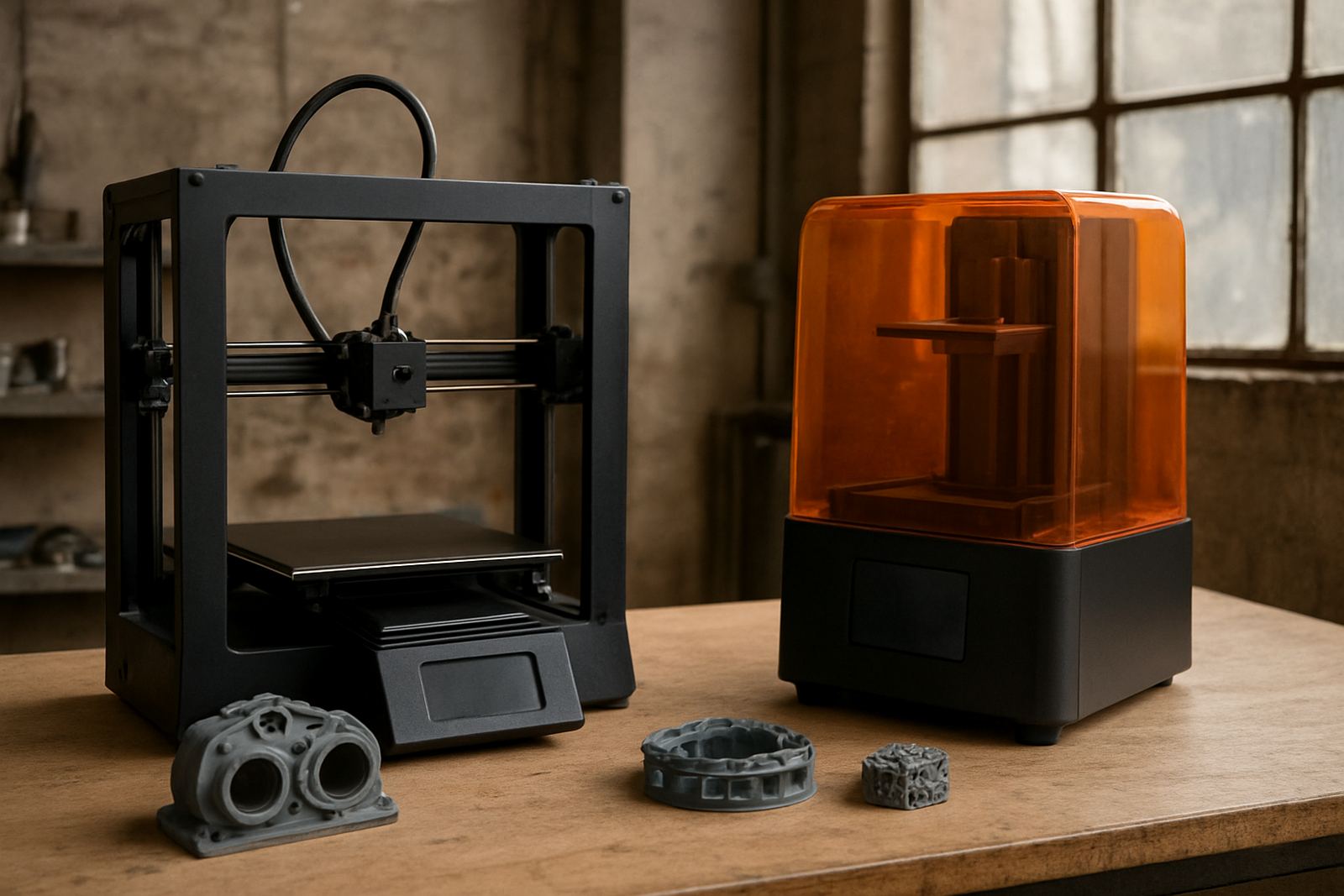
Filament printers build parts by laying down melted material layer by layer. They are usually the easier option for workshop use because the workflow is straightforward, material costs are manageable and cleanup is light. They suit brackets, covers, gauges, fixtures and general-purpose production aids. If your parts need moderate strength and repeatable results, filament is often the better place to start.
Resin printers cure liquid material with light. They produce sharper detail, smoother surfaces and better small features, which helps with dental work, jewellery, small prototypes and complex shapes. The trade-off is more handling. You need washing, curing and careful disposal of used material. In a shop where time is tight, that extra handling can slow the process down.
Use this quick rule: if the part must be strong, large or easy to handle, choose filament. If the part must be detailed, small or visually precise, choose resin. Some workshops run both, but most should begin with the one that solves the most common job first.
- Choose filament for fixtures, jigs, brackets and service parts
- Choose resin for fine detail, smooth surfaces and small models
- Choose both only if you have the staff and workflow to support two systems
Check the build volume, accuracy and material range
Build volume tells you the biggest part the printer can make in one run. Do not buy on size alone. A large build area is useful, but only if your workshop actually needs it. Bigger machines take more space, cost more to run and can be harder to maintain. Measure the parts you plan to print and add a small allowance for supports and orientation.
Accuracy is just as important. A printer with a smaller build area but stable repeatability can save more time than a larger machine that needs constant adjustment. Ask how well the unit holds dimensions across long jobs and whether it can keep tolerance from one print to the next. That matters for tool aids, clip fittings and components that must locate properly.
Material range is another key point. Some printers handle only basic materials, while others support engineering-grade options. If you plan to print parts exposed to heat, oils or outdoor use, check compatibility before you commit. Coastal humidity in places like Gqeberha and Kariega can also affect storage, so filament or resin needs proper sealing and handling.
- Measure the largest part you need, then add support allowance
- Check repeatability, not just advertised accuracy
- Confirm material compatibility for heat, moisture and chemical exposure
- Ask how materials should be stored in humid conditions
Look at the workshop setup and daily running costs
Buying the printer is only part of the cost. You also need space for material storage, post-processing, spare parts and inspection tools. A printer placed near grinding dust, oil mist or heavy foot traffic will struggle. If the unit sits in a shared production area, plan for enclosure, extraction and a clean bench nearby. Not every workshop has that space so the layout should be checked before ordering.
Power reliability matters too. Load-shedding in South Africa means the printer should be on a proper backup supply if jobs run long. A sudden power cut can ruin a print that has already used several hours of material. Ask how the printer behaves after an interruption and whether it resumes safely. A machine that fails often during outages will cost more in waste than it saves on purchase price.
Running costs include material, nozzles or vats, cleaning supplies, filters and maintenance time. A lower-price machine can become expensive if consumables are hard to source or service support is slow. It is better to buy a unit that your team can keep going week after week, not just one that looks good on paper.
What to ask before you buy
A proper buying checklist helps you compare models fairly. Use the same questions for each option and record the answers. That keeps the decision practical and stops the conversation drifting toward features you may never use.
- What parts will we print most often?
- Will one operator handle setup, cleaning and maintenance?
- How much floor space is available in the workshop?
- Do we need filament, resin or both?
- Can the machine recover after a power interruption?
- Are spare parts and consumables easy to get locally?
- What training is needed for safe operation?
It also helps to ask for a sample print using your own part file if possible. That gives you a real-world view of finish, speed and support requirements. A short test can reveal whether the machine suits your process or whether it will create extra handling later on.
Support, service and training matter as much as the machine
For workshop use, the best printer is the one your team can keep running. Service response, setup help and parts support all count. If a printer needs fine adjustment, make sure the operator knows how to clean it, level it and check calibration. If that sounds too involved for your team, choose a simpler model with less daily intervention.
Training should cover material storage, file preparation, cleaning, printer checks and safe removal of parts. Resin systems need stricter handling than filament systems, including gloves, washing and curing steps. In a busy shop, a clear routine prevents mistakes and waste. It also helps when more than one person may need to run the printer during the week.
For machine shops in Struandale, Markman, Coega, Kariega, Despatch and the Port Elizabeth CBD, it is worth planning for collection and delivery of service items as well. A printer is only useful if the support around it keeps pace with production needs. That practical support can make all the difference when deadlines are tight and the workshop is full.