
What you can download from Tooling
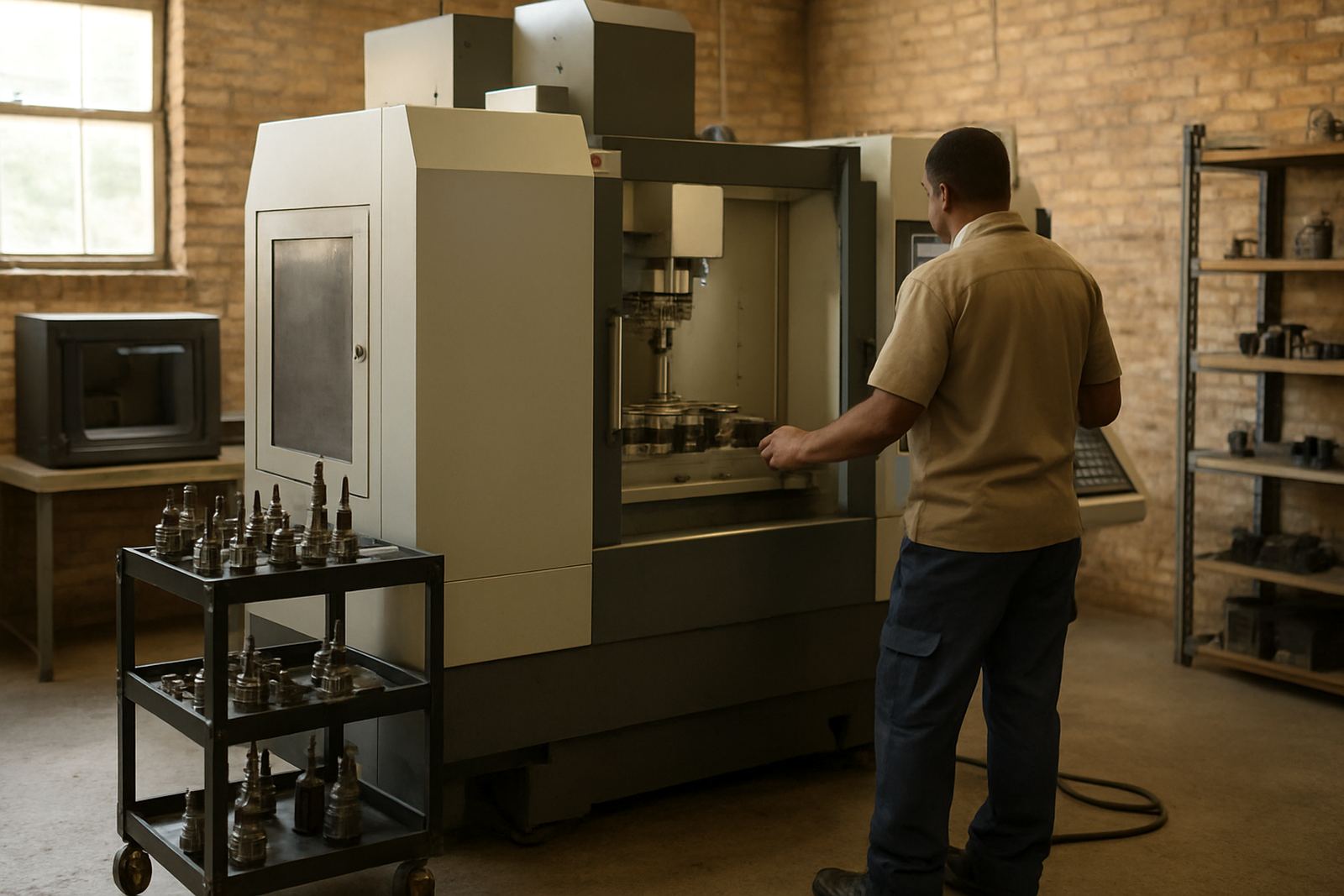
Our downloads section is set up for machine shops, jobbing engineers and maintenance teams that need the facts in hand before work starts. You can pull brochures, technical sheets, user care notes and reference material for tool holders, collets, workholding, scanners and printers. If you are planning a new cell in Struandale or checking fitment for a shop in Coega, the right document saves time at the machine.
Use the files to compare sizes, verify compatibility and check the handling notes for day to day use. It is handy when you are ordering across more than one site, or when a foreman needs the same spec on paper for the stores team and the workshop floor.
How to use a data sheet before you order
Start by matching the machine, spindle or holder type to the item you are considering. Check the bore size, taper, clamping range and any limits on speed or torque. If you are working in a coastal area like Port Elizabeth CBD or Markman, also look for notes on corrosion protection and storage, because humidity can affect parts left out on the bench.
When in doubt, compare the data sheet against the current tool list in your store and confirm the measurements on the machine itself. A few minutes now can prevent a costly mismatch later.
- Confirm the machine model and interface type
- Check all dimensions in millimetres before ordering
- Look for speed, load and holding limits
- Match care notes to your cleaning routine
Care notes for longer service life
Good handling starts with clean contact surfaces and proper storage. Tool holders and collets should be wiped down after use, then inspected for chips, damage and wear. If your team is doing long shifts in Despatch or Kariega, keep a simple end of day routine so the equipment is ready for the next setup and runout stays within spec.
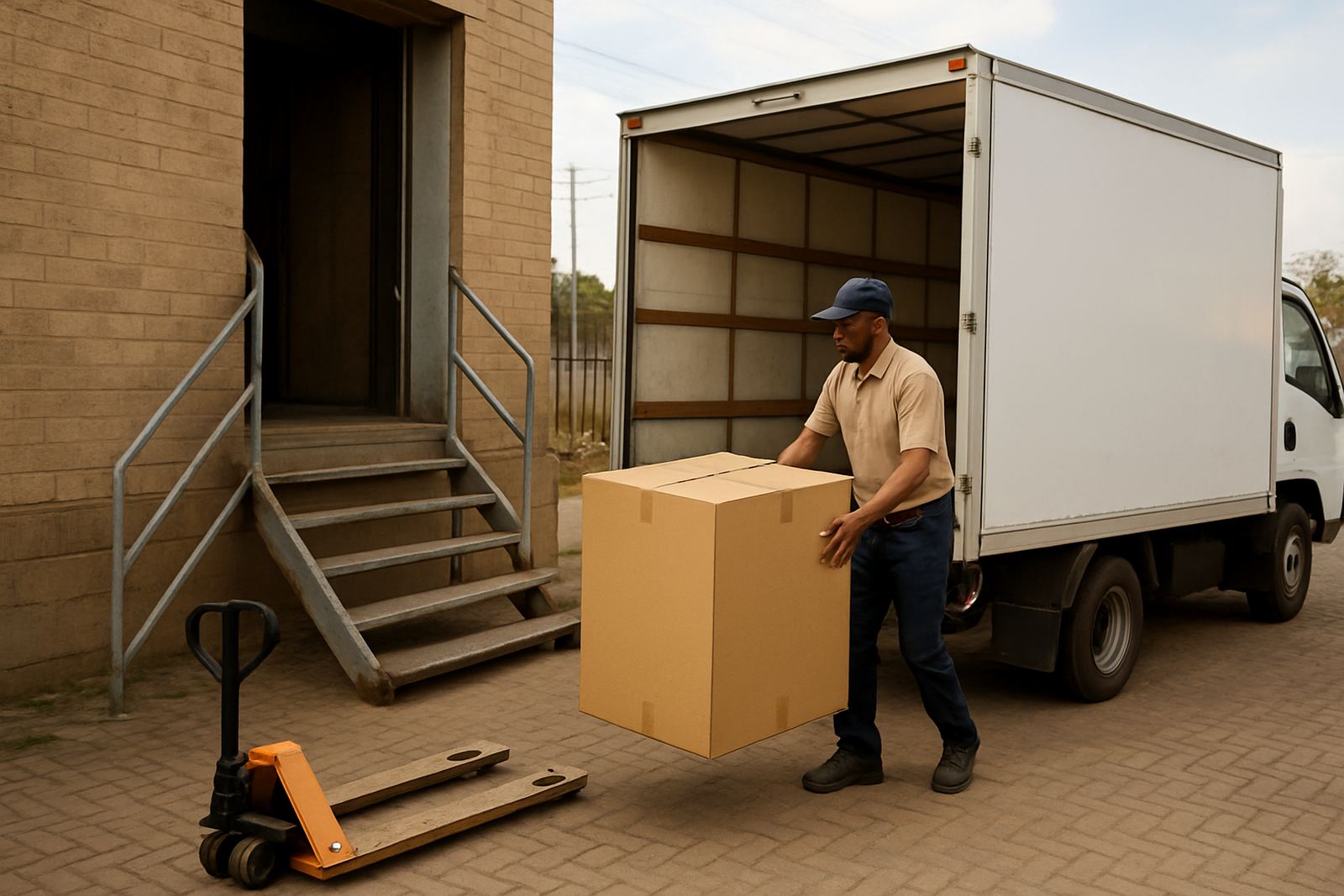
Our care instructions cover cleaning, light protection against corrosion and the right way to pack items for collection or delivery. They also help with internal checks before you send parts in for holder cleaning, regrinding or inspection.
Support for scanners, printers and setup work
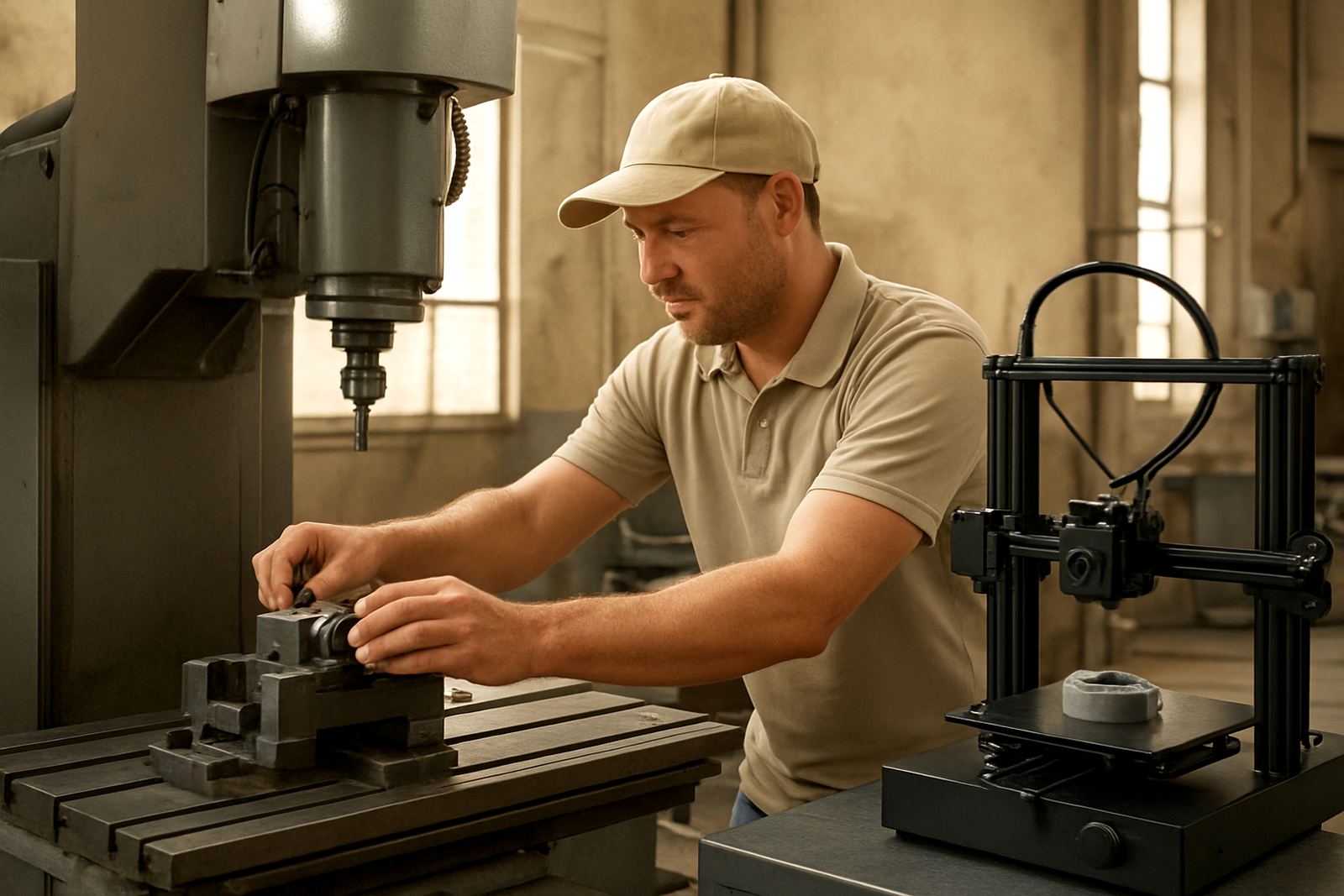
If your team uses scanning or printing equipment, the downloads section can help with calibration notes, maintenance steps and basic troubleshooting. That is useful when a print starts to drift or a scanner needs checking after a move between sites. In a busy shop, a clear reference sheet often gets the job done faster than phoning around for the same steps twice.
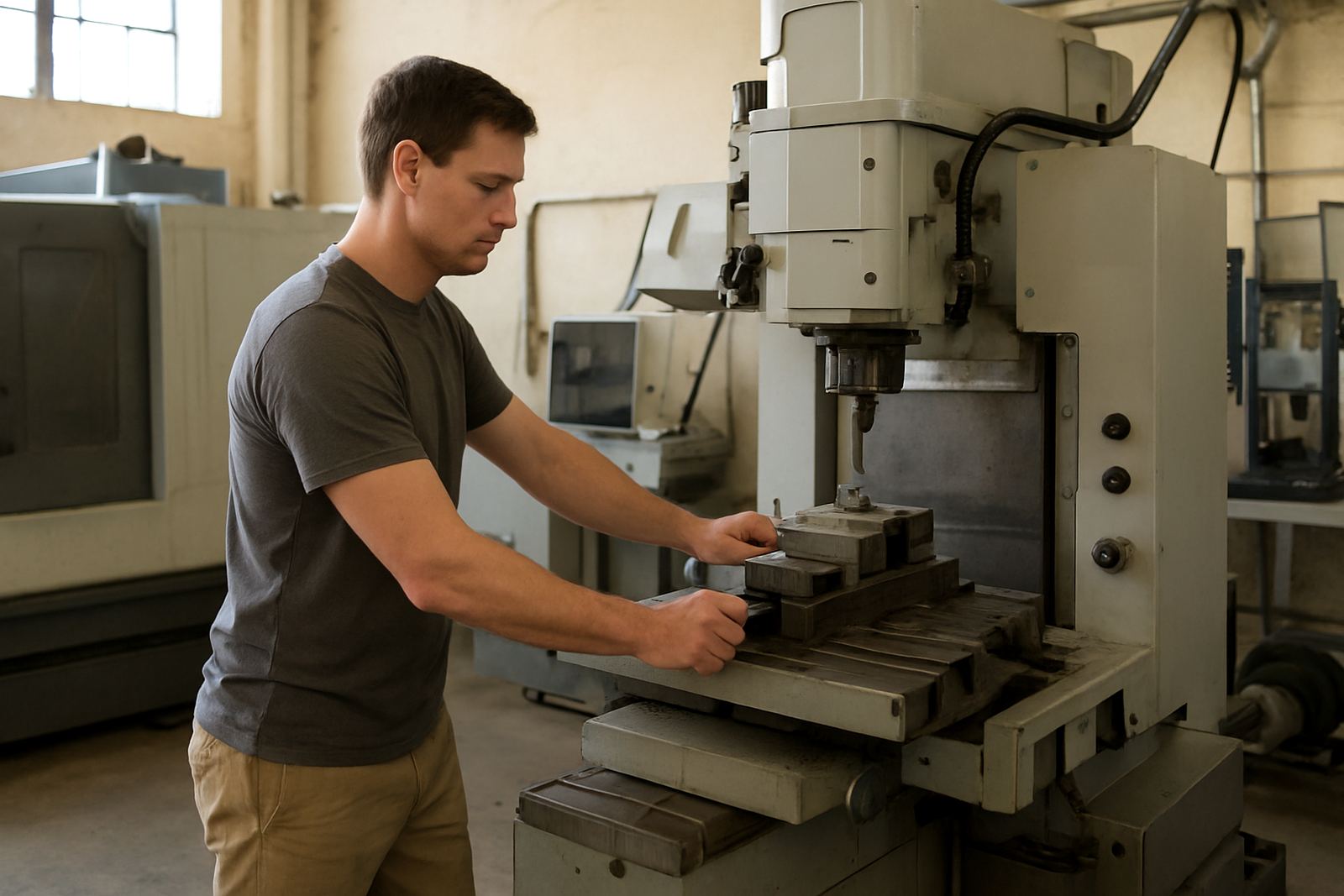
For more hands on help, our team can assist with scanner calibration, printer maintenance, presetting service, holder cleaning, chuck jaw machining, vise alignment and runout checks. We also arrange collection and delivery where needed so your equipment gets to us and back without extra hassle.
Who to contact when a file is not enough
Some jobs need a quick answer from a technician, not just a PDF. If you cannot find the right sheet, need help reading a tolerance line, or want to confirm a setup for a part running in Coega or nationwide, send us the item details and we will point you in the right direction. Include the machine type, the part number if you have it, and the fault or question in plain terms.
Tooling is based in Struandale, Gqeberha and serves machine shops across South Africa. For support, send a message through our contact form and include your name, company and location so we can route the request properly.
A simple file check before the shift starts
Before the first part comes off the machine, make a quick check of the file you are using. The document name should match the item on the bench, the revision should be current and the measurements should fit the actual setup. If a sheet looks old or the notes do not match the machine, stop and verify it before production starts. That small check can prevent a bad batch.
Once the right reference is in hand, keep it with the job pack or store it with the machine record so the next shift can find it quickly.